
Table of Contents
Introduction
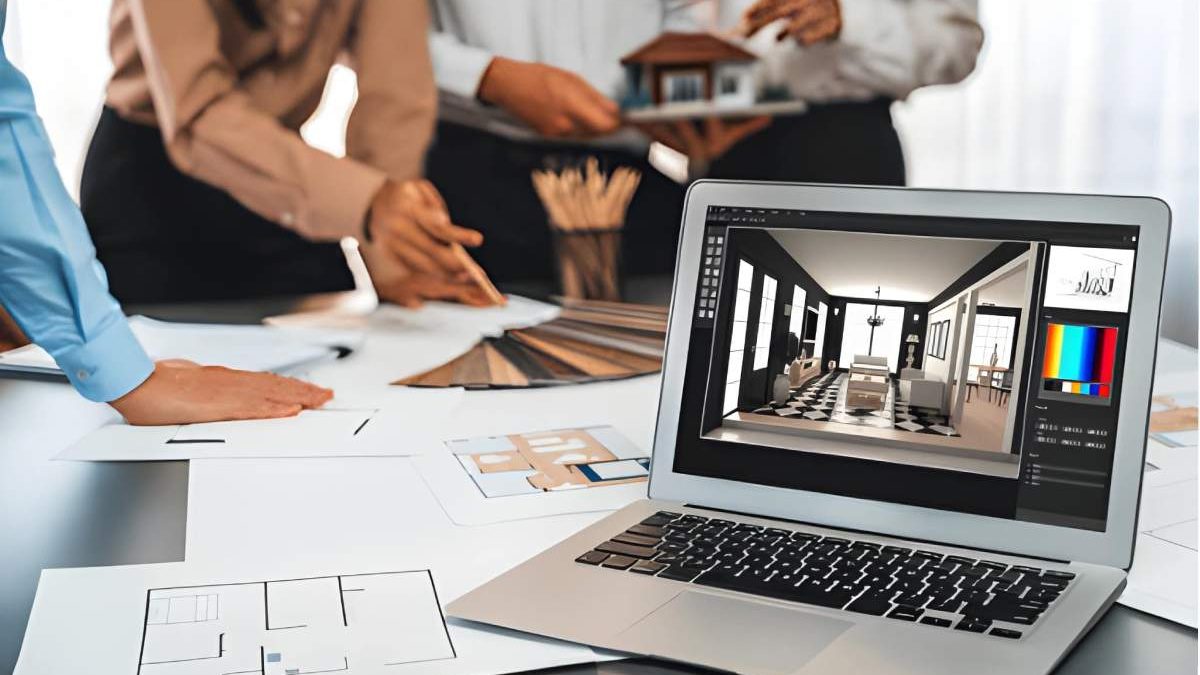
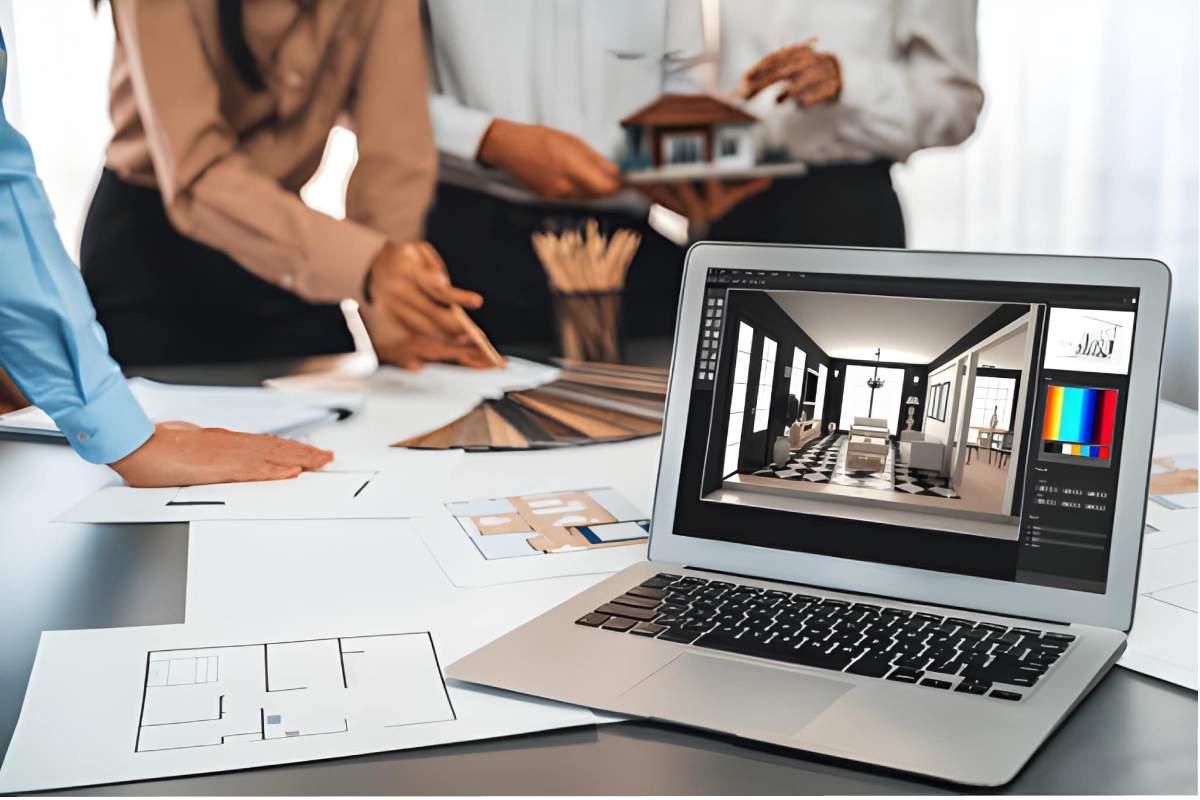
The interior design of 2026 is based in the crossroad of creativity, technology, and client experience. The previously sketch-powered and board-based driven functions are now 3D-enhanced and AI-assisted layouts and cloud-based collaboration.
Industry studies have regularly indicated how the majority of the professional interior designers are currently using specialized software throughout the project life cycle, not only to make the presentation, but to plan, validate and implement the project. It is no longer a question of whether to use software, but which software best suits you in your workflow.
This guide explains how interior design software is used in practice and provides a decision framework to help homeowners, freelancers, and professionals choose the right tools without falling into common traps.
How Interior Design Workflows Have Evolved (2020 → 2026)
Then
- 2D drawings and manual revisions
- Separate tools for drafting and rendering
- Long feedback loops
- Limited client visualization
Now
- Real-time 3D and photorealistic rendering
- AI-assisted layout suggestions
- Cloud-based collaboration
- Virtual walkthroughs before construction
Core Categories of Interior Design Software
Most articles focus on brand names. Professionals think in capabilities.
| Software Category | Primary Purpose | Typical Users |
| Space Planning Tools | Room layouts and flow | Homeowners, students |
| 3D Modeling Software | Structural and spatial modeling | Designers, architects |
| Rendering Engines | Photorealistic visuals | Client-facing roles |
| BIM Software | Documentation and coordination | Professional studios |
| AI-Assisted Tools | Speed and optimization | High-volume designers |
| Collaboration Platforms | Feedback and approvals | Teams and agencies |
Feature-to-Outcome Mapping: What Actually Improves Results
Features only matter if they change outcomes.
| Feature | Practical Impact |
| AI layout assistance | Faster concept generation (≈15–20%) |
| Real-time rendering | Higher client approval rates |
| Cloud access | Shorter revision cycles |
| Object libraries | Design consistency |
| VR walkthroughs | Fewer post-construction changes |
Decision Framework: How to Choose the Right Interior Design Software
Define Your Primary Goal
| Goal | Software Focus |
| Visualizing a home | Ease of use, templates |
| Freelance client work | Speed and presentation |
| Large projects | Accuracy and documentation |
| High project volume | Automation and AI |
Match Skill Level to Tool Complexity
| Skill Level | Recommended Tool Type |
| Beginner | Drag-and-drop, guided UI |
| Intermediate | Flexible modeling tools |
| Professional | BIM + real-time rendering |
Evaluate ROI, Not Price
A paid tool that saves five hours per project is often more economical than a free tool that delays delivery and revisions.
Interior Design Software Trends and Statistics (2026)
- Over half of interior design workflows are now 3D-first
- AI-assisted design tools are among the fastest-growing segments
- Cloud collaboration tools are used by a majority of studios
- Visualization speed is a top decision factor when selecting software
Trend insight:
AI is not replacing designers. It is compressing timelines and improving decision quality.
Common Mistakes When Choosing Interior Design Software
- Choosing software based on popularity rather than workflow
- Paying for advanced features that go unused
- Ignoring learning curve and support quality
- Overlooking export formats and collaboration needs
Avoiding these mistakes often has a greater impact than choosing the “best-known” tool.
Future Outlook: Beyond 2026
Emerging developments include:
- Prompt-based design generation
- AI-driven material and lighting optimization
- AR-based on-site visualization
- Automated planning for standardized spaces
Interior design software is evolving from a tool into a design partner.
Final Verdict: A Smarter Way to Choose Interior Design Software
There is no single “best” interior design software.
The right choice is the one that:
- Fits your workflow
- Reduces revisions
- Improves clarity
- Enhances client confidence
In 2026, successful designers are not defined by creativity alone, but by how effectively they use technology to support that creativity.